
Study Kit, Podcast & AI Tutor Demos for Microschools
Real lessons built with Pixlearn.
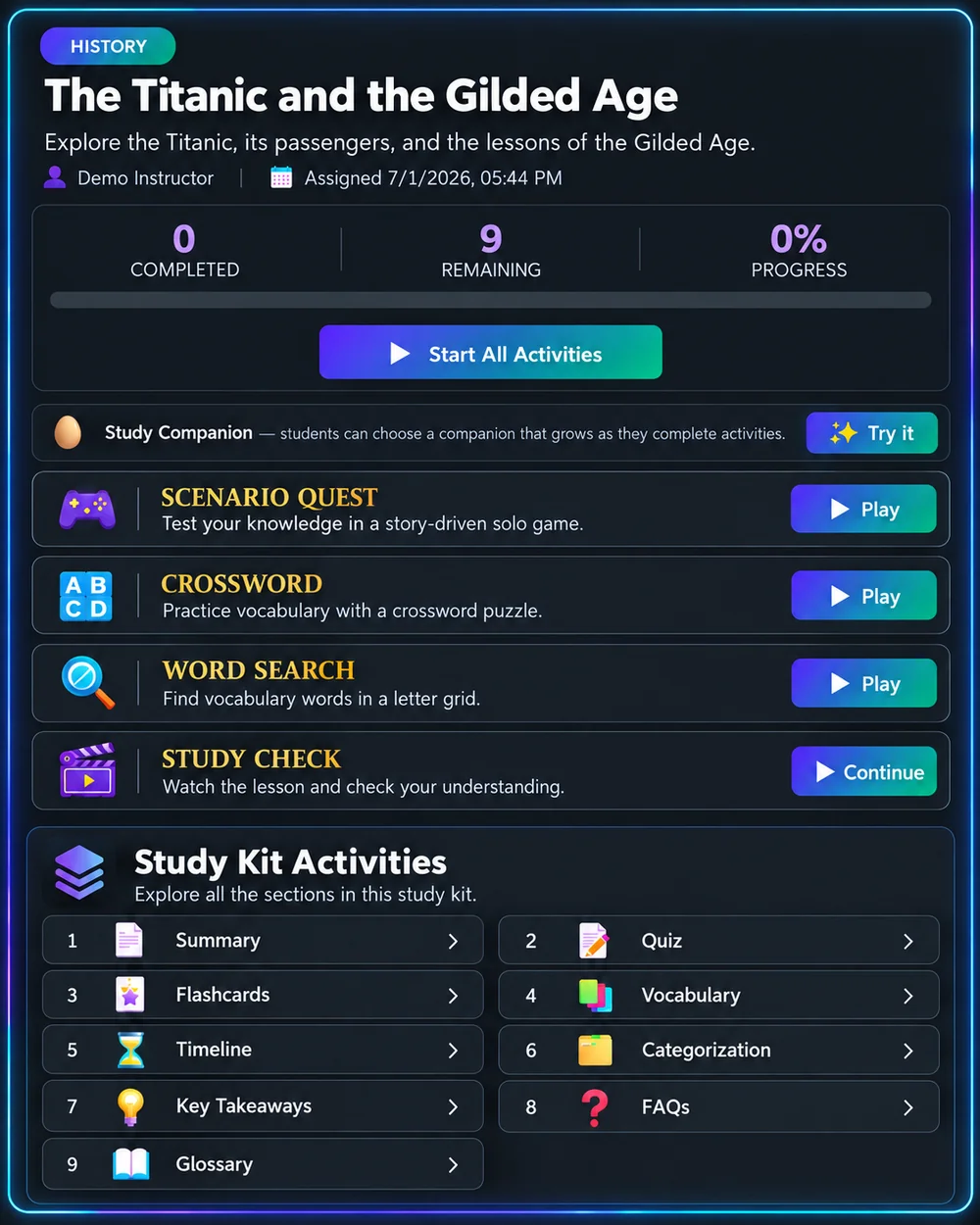
Interactive Study Kit
See how one lesson can provide reading, practice, and review in one Study Kit.
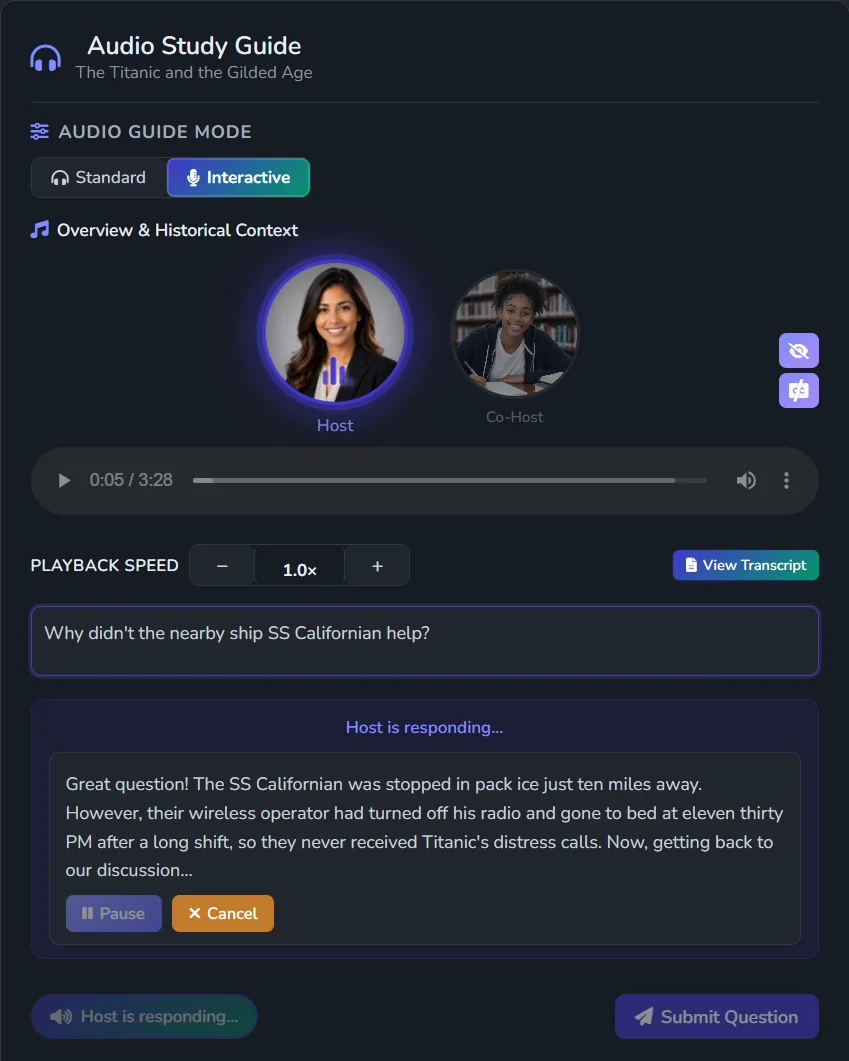
Interactive Podcast
Turn lesson content into an interactive podcast students can question and explore.
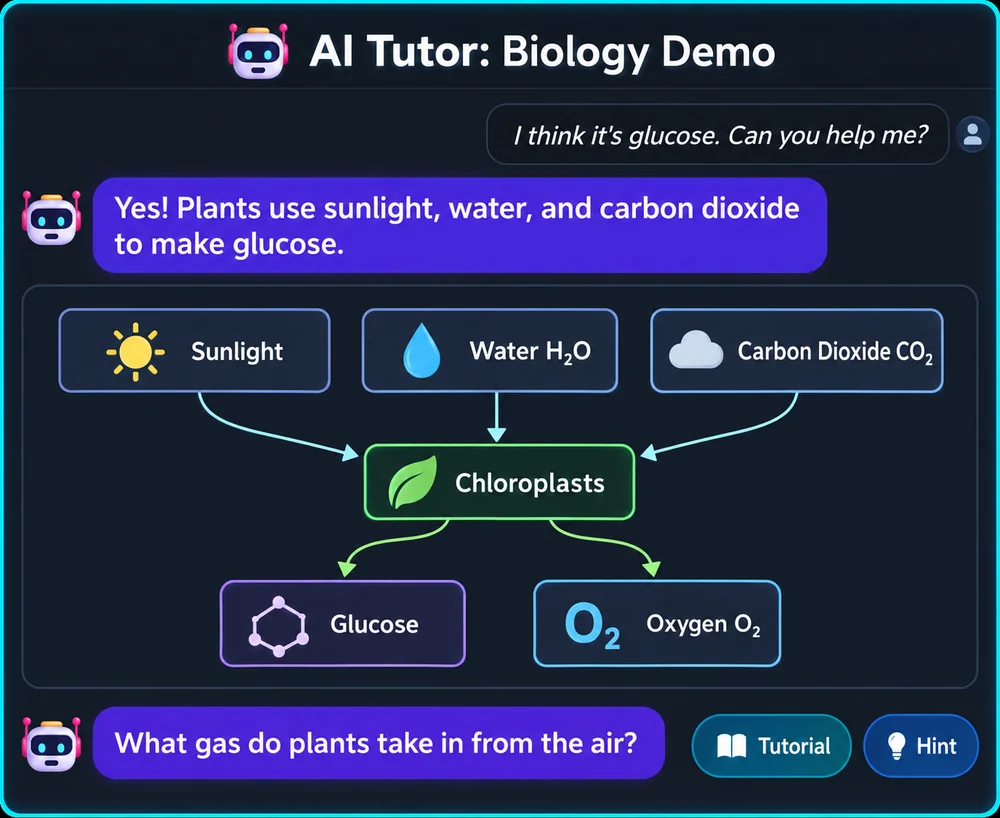
AI Socratic Tutor
Lesson-based help through questions and hints.
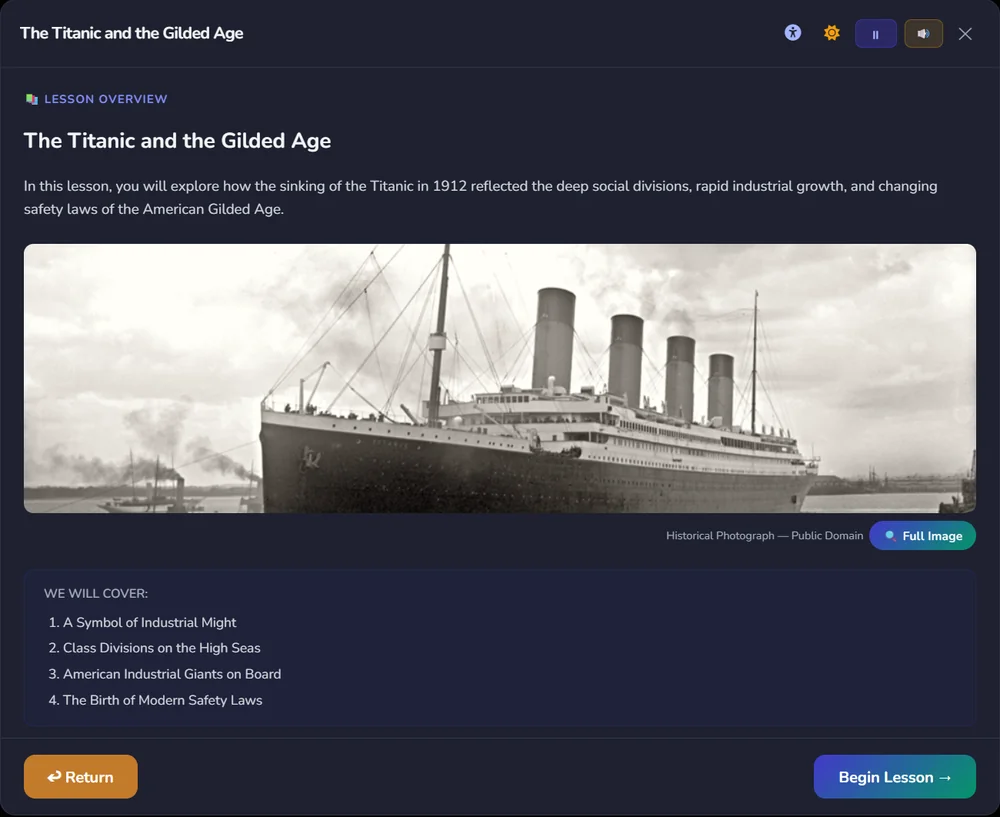
Differentiated Lesson
Adapt lessons for different grade levels, languages, and language-proficiency levels.
From Lesson to Learning Experience in 3 Steps
Start With What You Have
Add a PDF, video, slides, document, website, or other lesson material.
Customize for Your Students
Choose grade level, language support, and learning activities.
Review, Edit & Share
Review and edit slides, guided notes, worksheets, quizzes, exit tickets, and interactive activities—then share or assign them.
Interactive Scenarios & Learning Adventures for Microschools
Students don’t just review the lesson. They step inside it.
Turn your lesson into immersive scenarios and guided learning missions—grounded in your source material.
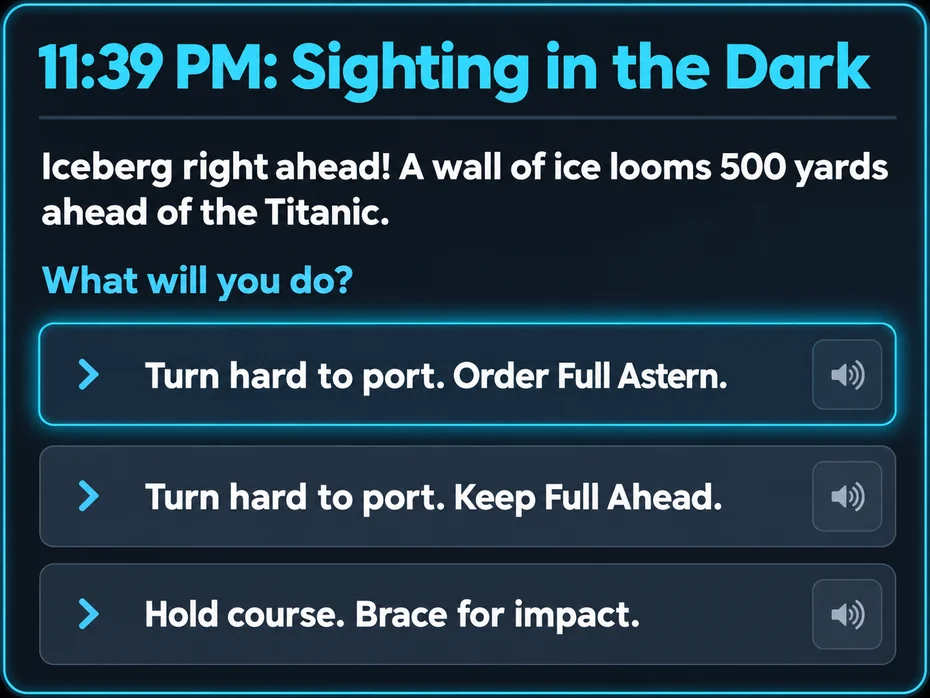
Interactive Scenario
Students make decisions in realistic situations and explore the consequences using knowledge from the lesson.
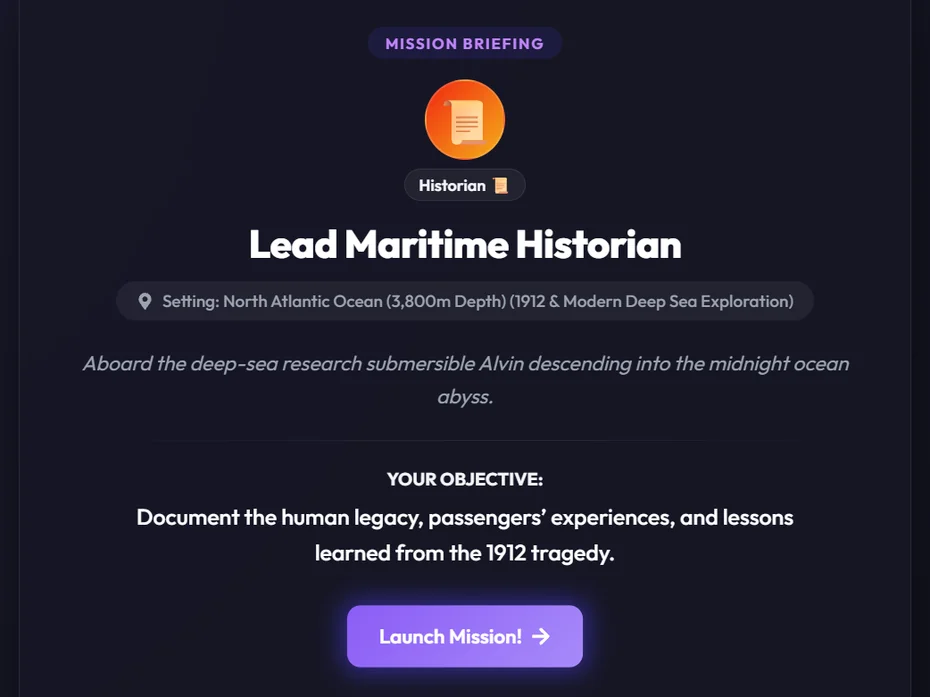
Mission Journey
Students take on a role, complete guided challenges, and apply what they have learned toward a mission objective.
Personalized learning is the promise. Creating it is the workload.
Microschools are built to meet learners where they are. But one educator may be supporting students across different ages, reading levels, skills, languages, and learning needs—all at the same time.
You shouldn’t need more staff to personalize learning. Pixlearn takes on the work of adapting, translating, and rebuilding lessons so you don’t have to.
Multi-Age, Multi-Level Lessons From One Source
Same lesson. Different paths for every learner.
Teach one core lesson, then give each student the support, format, and pace they need to learn it successfully—including multilingual and neurodiverse learners.
The RMS Titanic
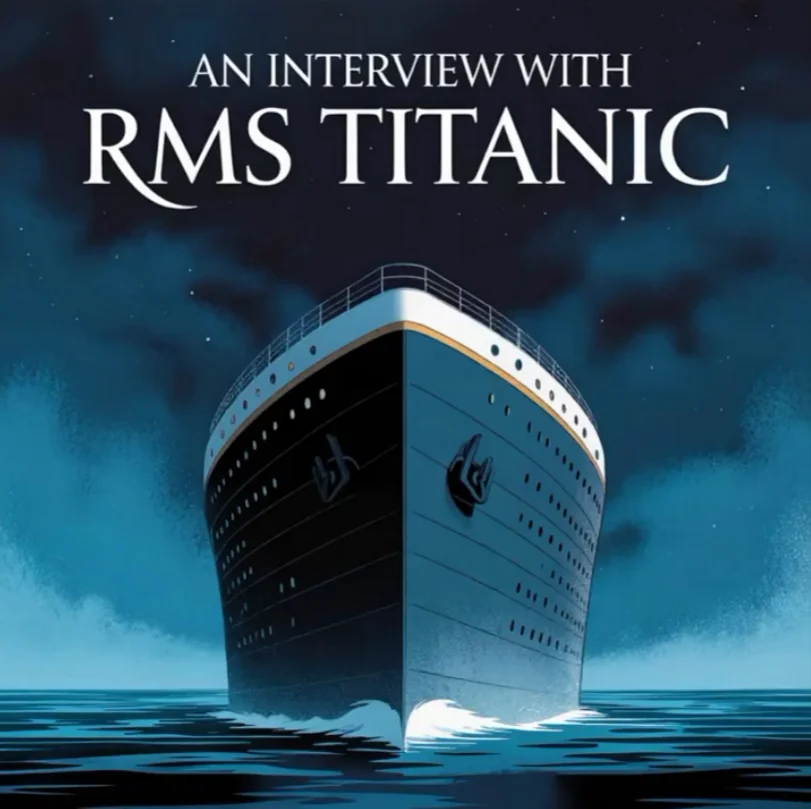
PDF · Video · Website
- Additional reading support
- Vocabulary support
- Audio & alternative formats
- Guided practice
- Grade-level rigor
- Academic vocabulary
- Independent practice
- Comprehension checks
- Deeper analysis
- Advanced vocabulary
- Higher-level questions
- Explore further and apply ideas
- Same learning objective
- Language-proficiency support
- Vocabulary support
- Native-language support where appropriate
One Platform for Educators and Students in Your Microschool
Educator Tools
Create, differentiate, review, and reuse slides, guided notes, worksheets, quizzes, exit tickets, and interactive learning experiences.
Student Experience
Give learners access to assigned lessons, activities, and AI-supported experiences.
Learning Visibility
Track participation, assessment performance, and engagement across your microschool.
All-in-One Learning Platform for Microschools
One lesson shouldn’t require five disconnected tools.
Traditional Workflow
Lesson source
→ translation tool
→ worksheet generator
→ quiz generator
→ podcast tool
→ separate student app
Pixlearn
One teacher-selected lesson
↓
Study Kits · Slides · Guided Notes · Worksheets · Exit Tickets · Interactive Podcasts · AI Tutor · Learning Adventures
One place to create it. One place to manage it. No juggling five different tools.
See Pixlearn in Action With Your Curriculum
Start with a personalized demonstration using a lesson from your school. We'll show you how Pixlearn can transform existing instructional materials into differentiated lessons, interactive podcasts, AI tutoring, and engaging learning experiences.
Like what you see?
Try Pixlearn with one lesson, evaluate the experience, and decide whether it's right for your microschool. You can then explore a free four-week guided pilot with your own learners—without a broader commitment.
No obligation. No pilot commitment required.
Guided setup and educator onboarding included. School pricing can be discussed during your demonstration.
Microschool FAQ
Does Pixlearn replace our curriculum?
No. Pixlearn is designed to work with your existing curriculum, lessons, projects, and resources your educators already use.
Does Pixlearn work with mixed-age groups?
Yes. Educators can create different versions of a common lesson based on grade level, language proficiency, scaffolding needs, and other learning requirements.
Is the AI Tutor grounded in the lesson?
Yes. The AI Tutor is grounded in the lesson materials your educators select and guides students with Socratic questions and exchanges.
Do educators review AI-generated content?
Yes. Educators remain responsible for reviewing generated materials for accuracy and instructional fit before assigning them to students.
Can we see Pixlearn before starting a pilot?
Absolutely. Start with a personalized demonstration of how Pixlearn works with your existing curriculum. If it looks like a good fit, you can explore a free four-week guided pilot with your own learners. There's no obligation to begin a pilot after the demonstration.
How is microschool pricing determined?
Microschool plans are based on school size, number of educators, student access, and anticipated AI usage. School pricing is discussed during the demonstration. The optional four-week guided pilot is free.
How does Pixlearn protect student data?
Student work isn’t used to train AI models. We collect only what’s needed to run lessons, such as names, progress, quiz answers, tutor conversations and messages, and we never sell it or use it for advertising. Schools can ask us to delete student data at any time, and we do so within 30 days. We also sign data processing agreements with schools. For full details, read our Privacy Policy.
How is this different from just using ChatGPT?
Pixlearn is built around the lesson materials you choose. It turns those sources into differentiated Study Kits, podcasts, tutoring, scenarios, and other learning experiences while keeping everything in one place for teachers to review, edit, assign, and monitor.